You can't always prepare before an event. At Web Summit, the event app itself solves much of that: it lets you export your connections and turn each day of the event into meetings on the following days.
The tip comes from Felipe Souza, CEO & Co-Founder of NordLatam, recorded at Web Summit Lisbon. Below, the step-by-step with screens from the platform.
Watch on YouTube: Event tip: export your leads from the Web Summit app
Step 1: connect through the Web Summit app
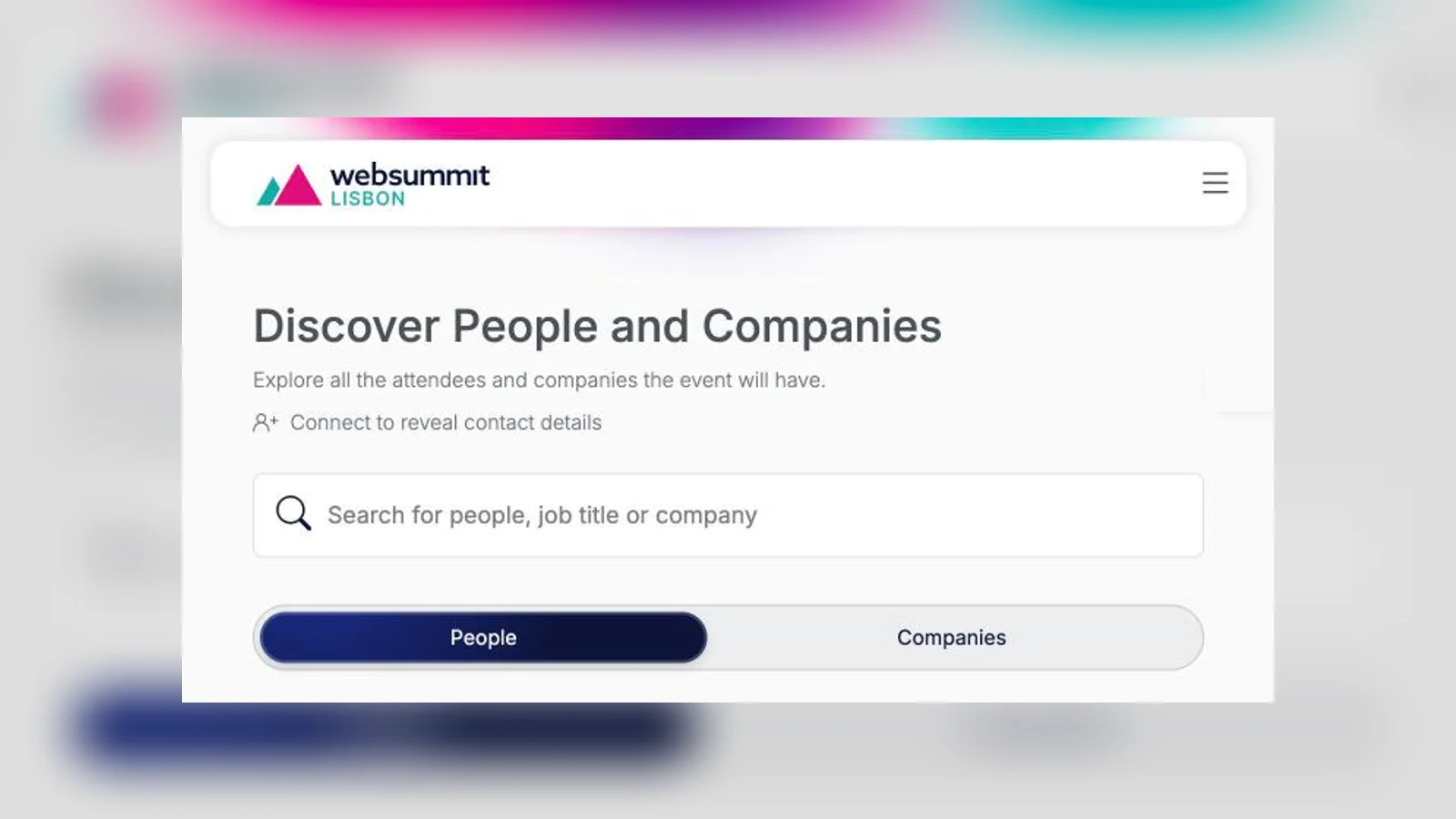
Web Summit has a connections app. On the Discover People and Companies screen you search attendees and companies by name, job title or company, and filter by industry, country and attendee type.
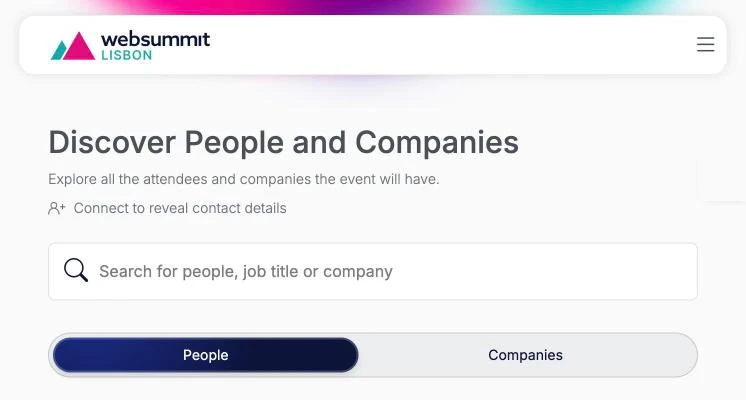
Contact details only appear after the person accepts your connection. So connect with the people who make sense for your business right at the start of the event.
Step 2: export your connections as CSV
Once you are connected with people, you can export that list as CSV. The Connected tab holds all accepted connections, and the Download connections button downloads the list.
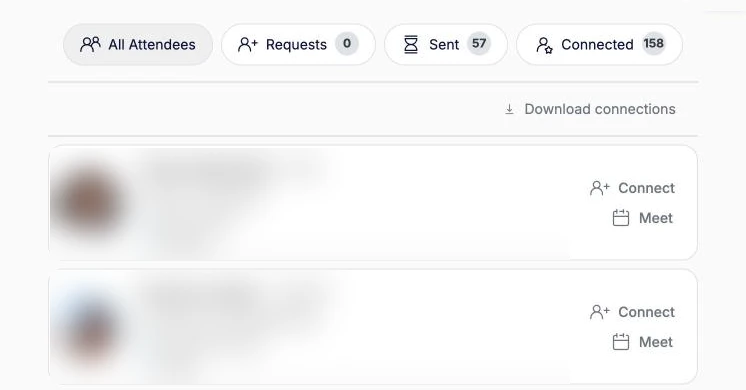
The file has the contacts each person made available: WhatsApp, email and LinkedIn. It is the base for your campaigns.
Step 3: use the Leads Report and pick the right channel
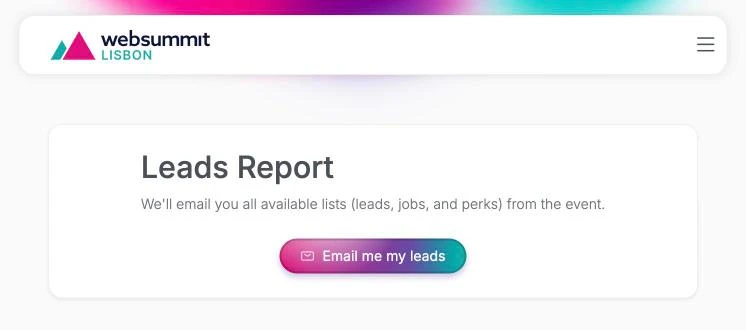
If you have a company profile at the event, the menu also has the Leads Report. With the Email me my leads button, Web Summit emails you all the lists available from the event: leads, jobs and perks.
With the contacts in hand, choose the channel carefully. As Felipe reminds us, people in Europe don't really like WhatsApp. For European contacts, prefer LinkedIn or email.
Step 4: export every day and book meetings
The trick is not to wait for the end of the event. Export your connections every day and run campaigns for those people, to book meetings already on the second, third and fourth days.
- Day 1: connect with as many relevant people as you can and export the connections at the end of the day.
- Night of day 1: send messages through each contact's right channel, proposing a meeting at the event.
- Days 2, 3 and 4: hold the meetings, keep connecting and repeat the export every night.
Need help?
If you couldn't do this or don't know exactly how to proceed, talk to NORD. We help build the campaigns and turn event connections into meetings.
The screenshots show the Web Summit Lisbon 2026 platform. Attendee data has been hidden.